Equipment status and production data
Identifies startup, operation, debugging, alarm, shutdown and other statuses, and associates program number, output, spindle and feed data.
Provide equipment networking, production execution, program management, operation and maintenance, and job collaboration functions for machine workshops, and determine the construction scope based on the equipment list and on-site processes.
The system records equipment status, production tasks, program versions, personnel hours and exception handling results, and provides query and statistics based on equipment, work stations, shifts and products.
Identifies startup, operation, debugging, alarm, shutdown and other statuses, and associates program number, output, spindle and feed data.
Assign alarms, lights, repairs, maintenance and quality exceptions to responsible positions, and record response, processing, confirmation and closure.
Statistics of downtime, tact, working hours and OEE by equipment, work station, shift, product and time period to locate the source of losses.
The system puts equipment, personnel and management actions in the same set of records, making it easy to query, assign and check.
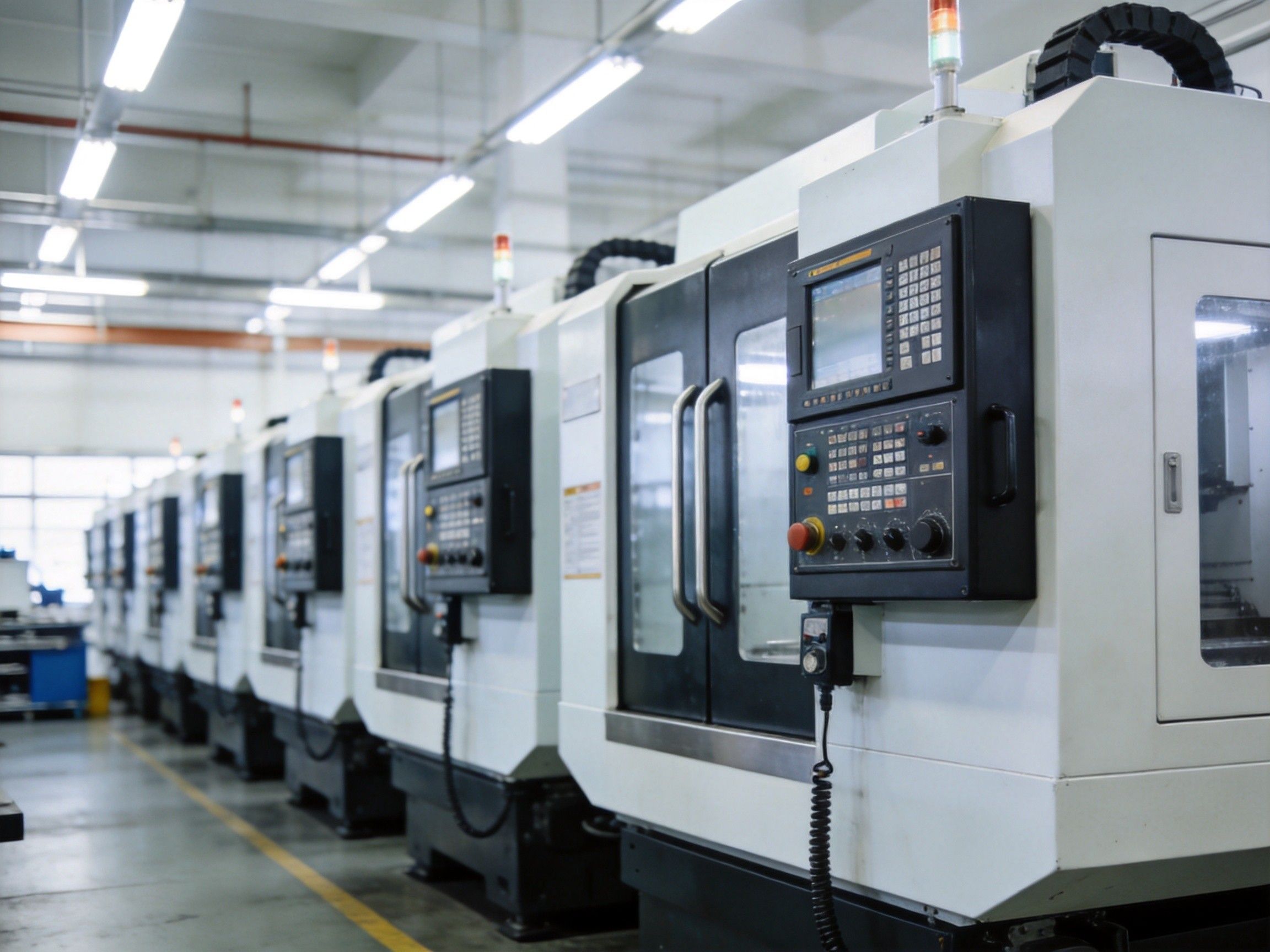
Access CNC, robots, PLC and testing equipment, collect operation, alarms, output, programs and key parameters, and query by equipment, workstation and shift.
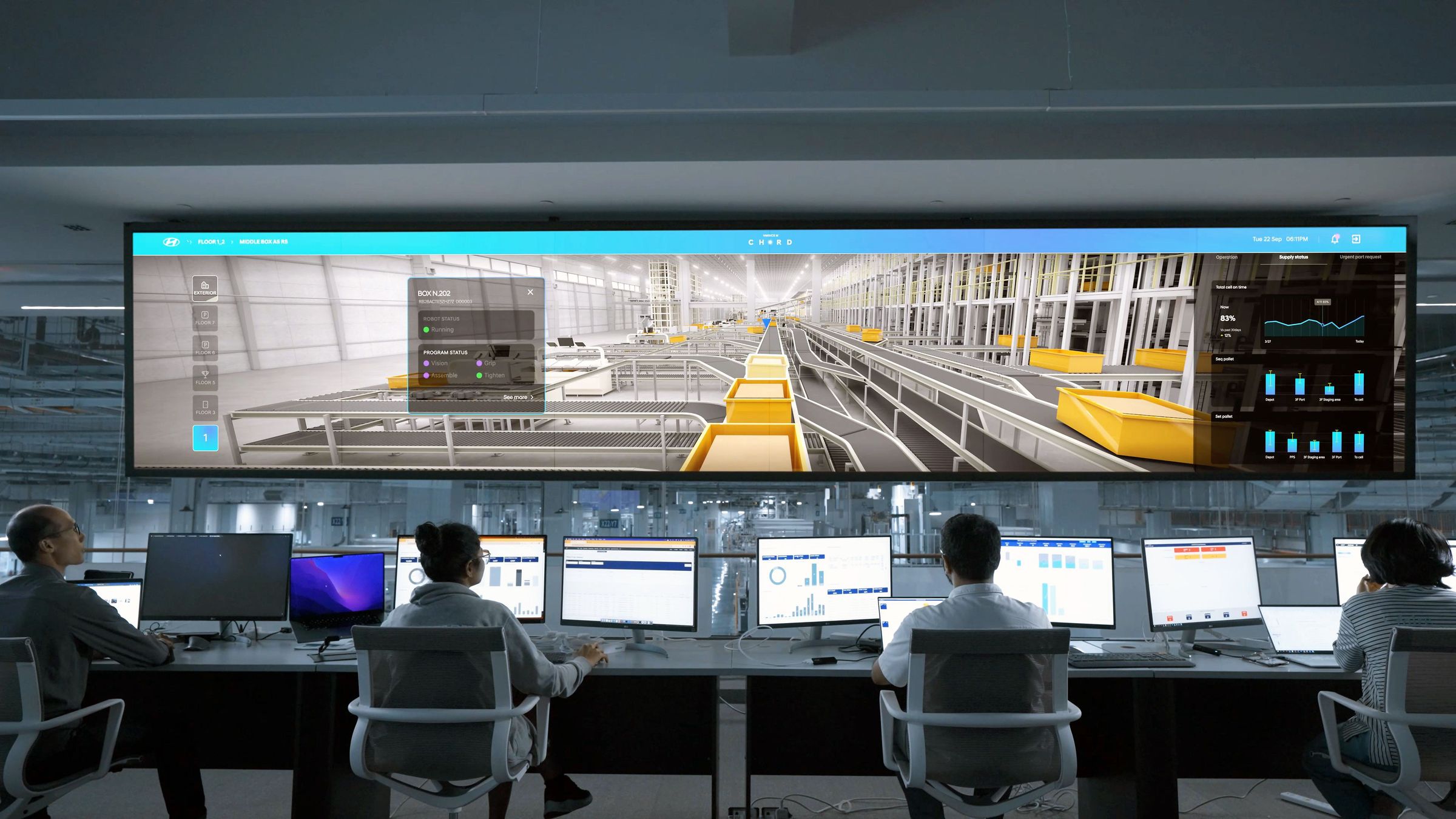
Assign equipment abnormalities, production progress, working hours deviation and efficiency indicators to corresponding positions. Managers view trends, team leaders arrange tasks, and equipment operators handle exceptions.
The project is based on the equipment list and on-site interface conditions. Each stage clearly identifies the equipment, fields, functions and acceptance results.
Mainly CNC equipment in the equipment list, combined with on-site network, NC system model, and interface conditions to determine networking method; if necessary, add spindle current collection, DI signals, or edge collection modules.
Collect five types of statuses: power on, power off, running, debugging, and alarm, as well as the number of processed parts, fault codes with start and end times, current program number, spindle speed and spindle-speed override, and feed rate.
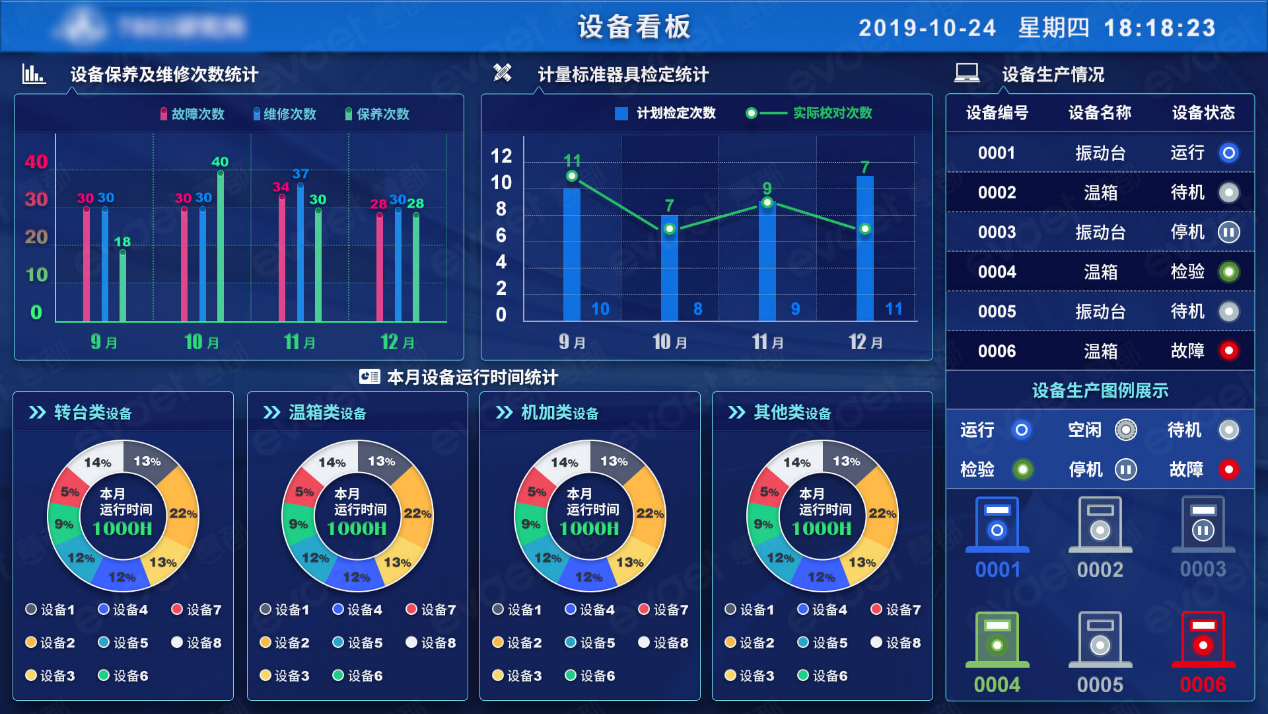
Create device status overview, slice analysis, alarm records, production statistics, DNC program review and deployment, maintenance reminders, exception handling, and Web/APP access.

 CNC 01
 CNC 02
 CNC 03
 CNC 04
Draw device slices based on five statuses: power on, running, debugging, alarm, and power off; click on abnormal periods to view duration, work mode, and alarm records.
Associate programs with product names, drawing numbers, and devices; programs that are not reviewed can't be issued; once approved, they can be uploaded remotely to specified devices from the Web.
The system collects effective cutting time and summarizes it by team and individual; processes that can't be automatically collected keep manual reporting options for production progress and time-based wage verification.
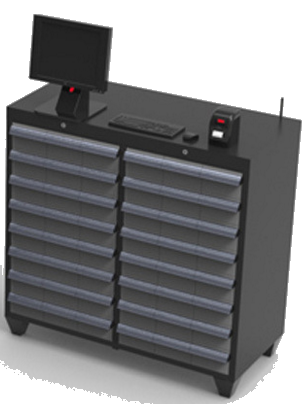
Use running, debugging, and manual time as timing criteria, and generate maintenance alerts after reaching the cycle; the tool cabinet covers issuance, approval, lifespan, inventory, and recycling.
On-site, device, material, production, personnel, or quality issues are reported through status boxes. The system pushes notifications to responsible positions according to rules, and processing is done via the APP.
Maintain factories, workshops, work stations, equipment types, personnel and shifts; equipment ledgers can be imported, and the system generates independent QR codes for equipment for on-site positioning.
The actual results are verified based on the equipment list, statistical period and on-site baseline; the system configures the data model, permissions and processes according to the project, and provides query, statistics and recording functions.
Equipment status and production progress are displayed in a unified way
Programs, maintenance, tools, and exceptions follow rules
Processes, responsibilities, handling, and results are traceable
Models, permissions and processes can be expanded according to projects